

Excel stands as one of the predominant tools for data analysis and visualization. Today, we'll delve into the significance of utilizing tables in Excel, distinguishing it from mere ranges.
Imagine having a dataset comprising 500 rows. Upon examining the dataset, two primary storage mechanisms become evident:
To underline the superiority of tables over simple ranges, I've designed four illustrative scenarios:
Range to Range Scenario: Here, we encounter our first limitation – formulas don't automatically expand downwards. Employing the VLOOKUP formula, which fetches data from another table or range based on a specific reference, you'd notice that while the formula works seamlessly for the first row, it stumbles in subsequent rows unless manually dragged down, leading to potential errors and misreferences.
Range to Table Scenario: The distinguishing factor here is converting the source range into a table. The formula, while still scanning a range, starts behaving differently. If you attempt to retrieve data based on an index, you'll notice that while the first row returns accurate data, subsequent rows suffer from the range offset problem – an issue where the formula adjusts its range based on the row number.
Table to Range Scenario: This setup sees formulas pulling data from a table named Table1 into a range. An evident benefit is observed when the data is fetched correctly for the first row, but similar to the first scenario, formulas don't auto-expand, necessitating manual dragging.
Table to Table Scenario: The most seamless of all scenarios. With formulas automatically adjusting and the absence of any noticeable drawbacks, data retrieval remains consistent and accurate, even when new rows are appended to the table.
In summation, Excel tables provide robust flexibility, reducing manual efforts and minimizing errors – especially when dealing with expansive datasets. Their dynamic nature ensures that formulas auto-adjust, eliminating the need for constant manual intervention.
For those wishing to harness the full potential of Excel, the transition from basic ranges to tables is more than a mere upgrade; it's a paradigm shift. If you found this walkthrough helpful, consider subscribing for more insights, and here's to smarter data management! See you in upcoming videos.
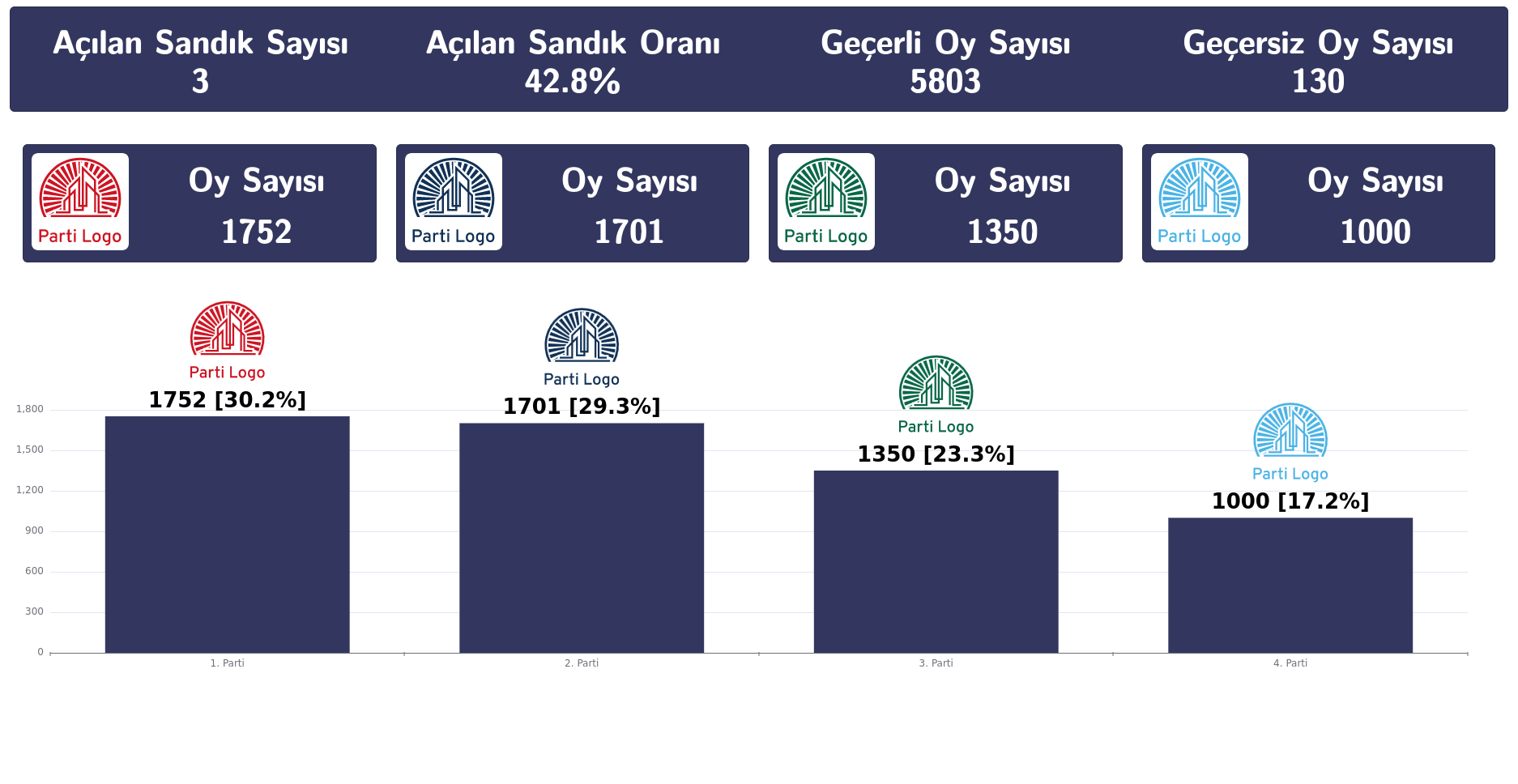
31 Mart 2024 tarihinde yapılacak olan yerel seçimlere, seçim yazılımımızla biz de hazırız.Seçi...
Devamını oku →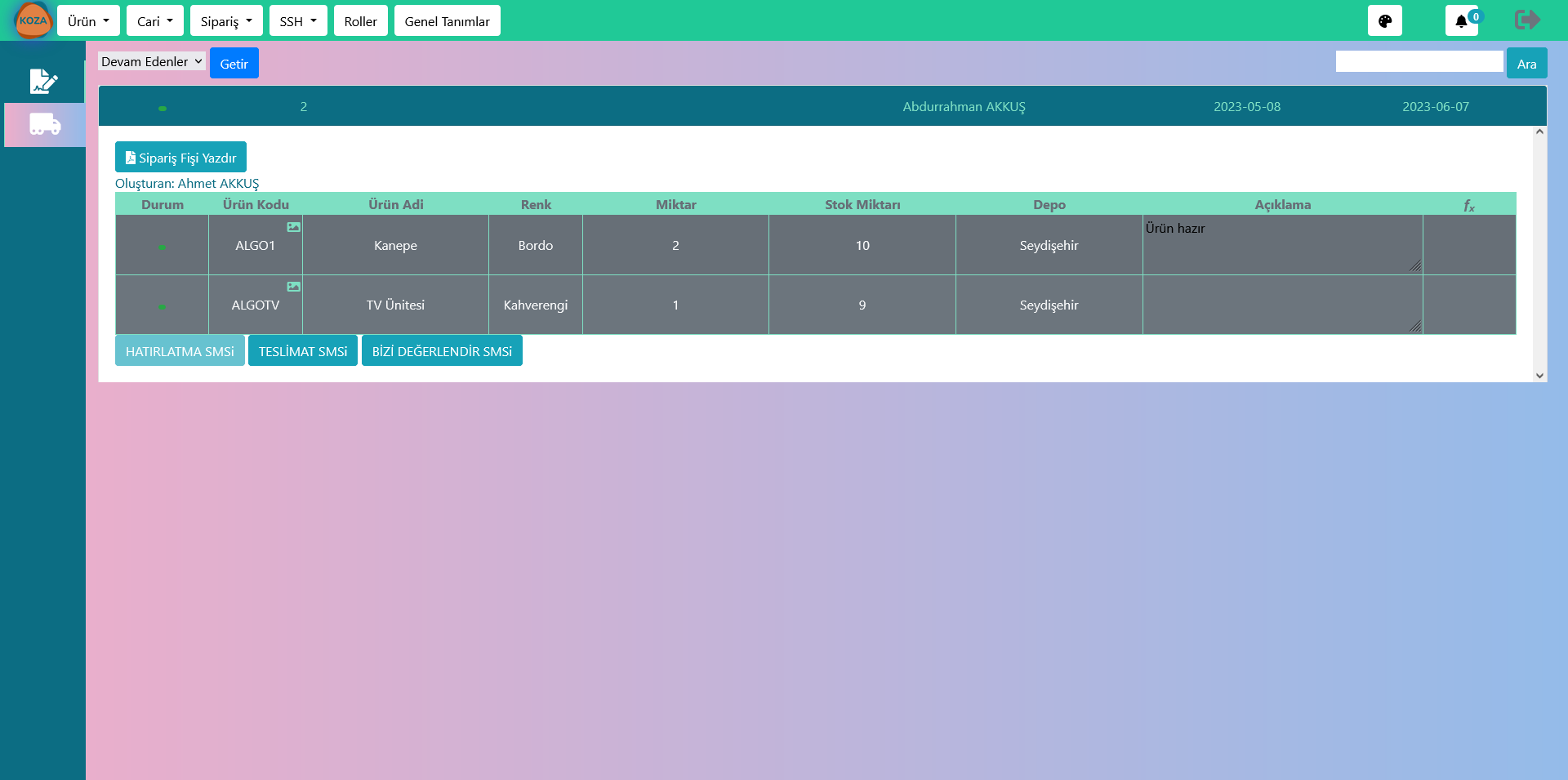
The Significance of Software in Furniture Manufacturing Introduction...
Devamını oku →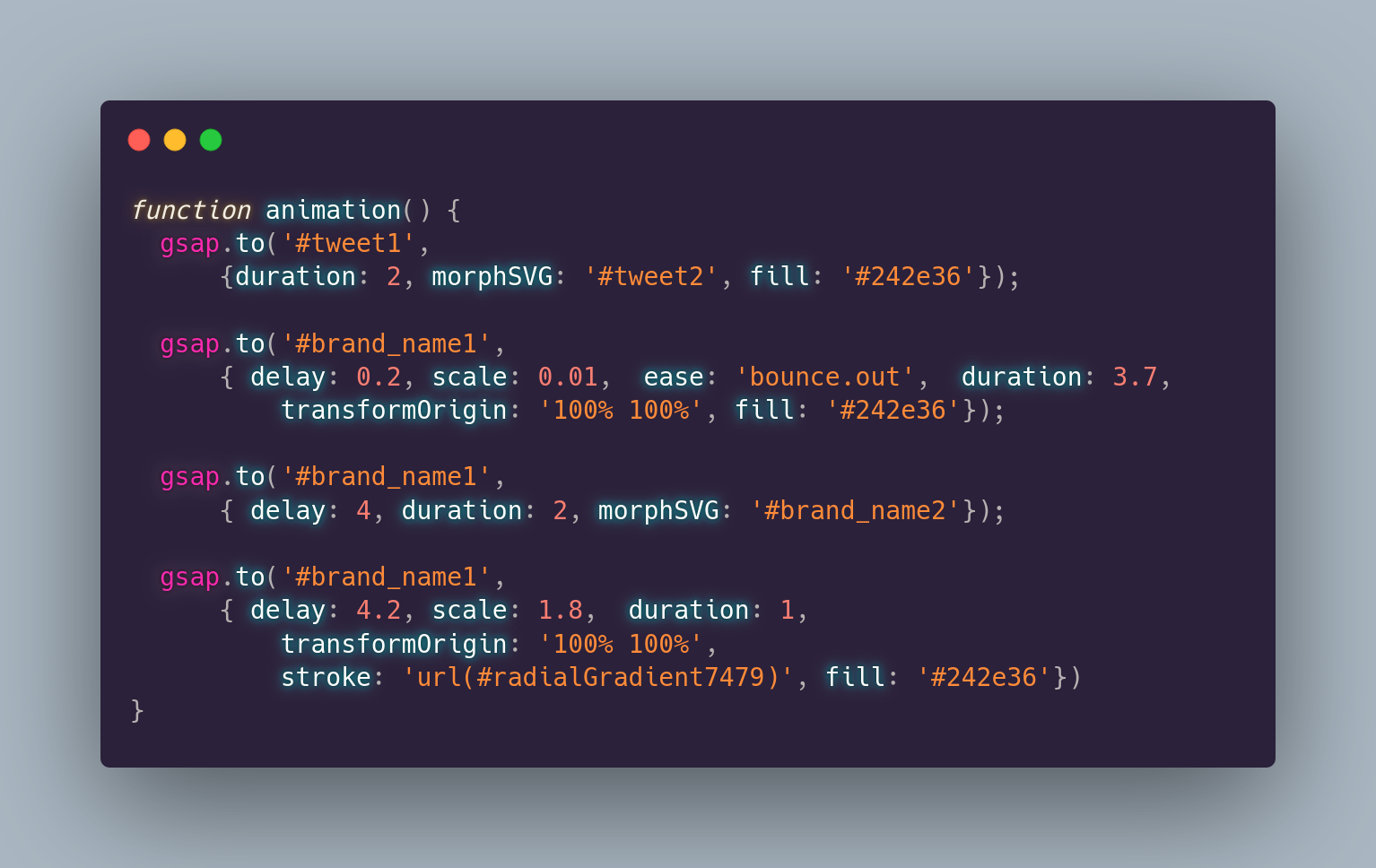
Twitter Becomes X AnimationBig news! Check out our morph animation, showcasing Twitter’s radical t...
Devamını oku →