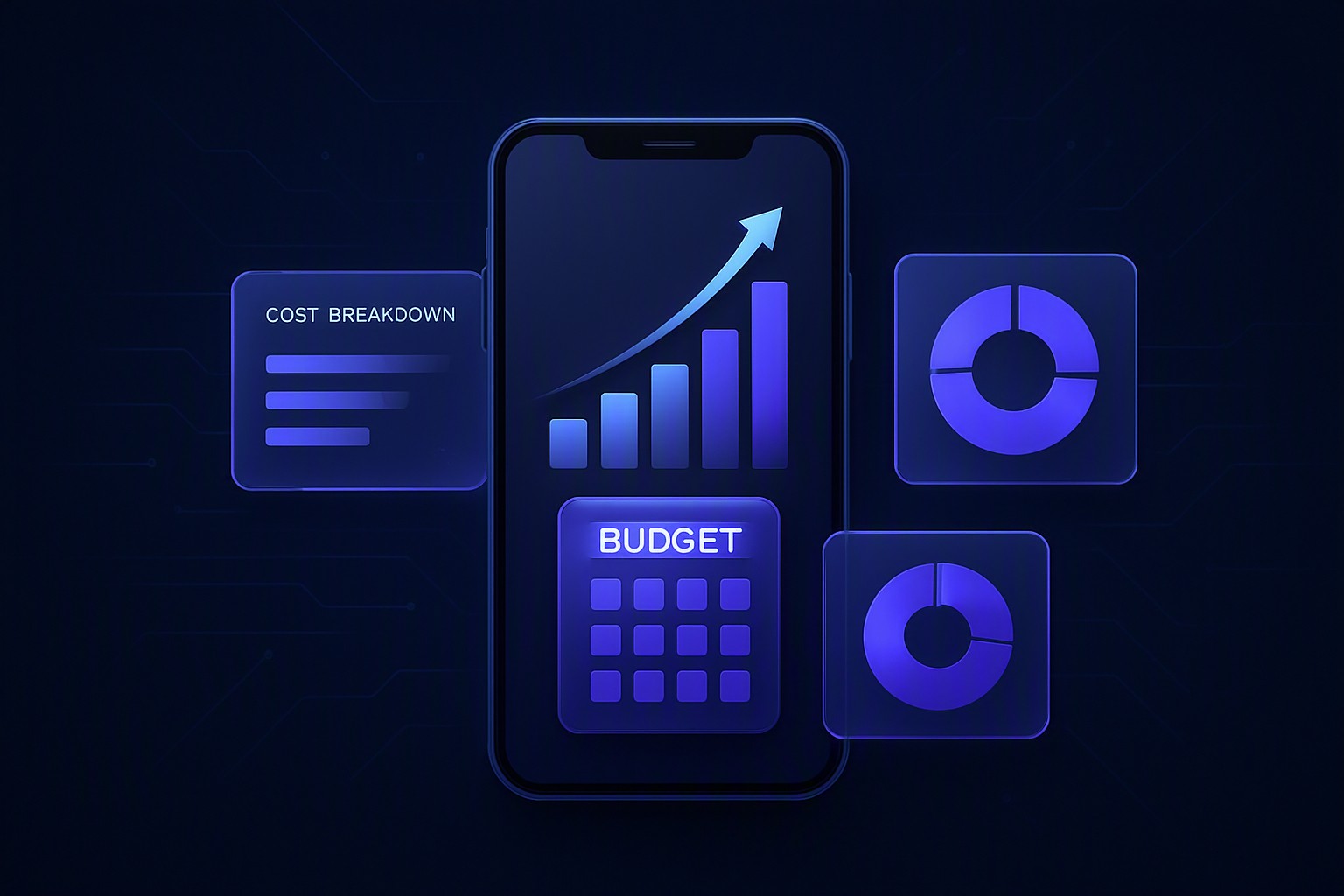
If you've ever asked an agency "how much does an app cost?" and received the vague answer "it depends," you're not alone. The honest truth is that mobile app development costs can range anywhere from $15,000 to $300,000+ depending on scope, complexity, and the team you hire. But "it depends" isn't a useful answer for a founder or brand manager trying to plan a budget.
This guide breaks down exactly what goes into app development pricing — phase by phase and line item by line item — so you can walk into a discovery call informed, ask the right questions, and avoid the budget overruns that sink most first-time app projects.
Before looking at numbers, you need to understand what you're paying for. Four variables have the biggest impact on your final invoice.
| Approach | Relative Cost | Time to Market | Best For |
|---|---|---|---|
| Native iOS + Android (two codebases) | Highest (2x dev effort) | Longest | Performance-critical apps (fintech, heavy media) |
| Cross-platform (Flutter / React Native) | ~30–40% lower | Faster | Most startups and SME apps |
| Web app / PWA | Lowest | Fastest | Simple content or e-commerce tools |
For the vast majority of business apps, cross-platform development offers the best cost-to-quality ratio in 2025. Native development is justified when you need deep hardware access, complex animations, or maximum performance.
This is the single biggest cost driver. Roughly:
Every feature is a snowball: a payment gateway isn't just a button — it's security compliance, error handling, refund flows, and testing.
The app you see on screen is only half the project. Behind it, you may need:
An app with no backend (a calculator, a guide) costs a fraction of one that manages thousands of users and transactions. If your business already has systems like SAP, Salesforce, or a custom ERP, budget extra for API integration work.
Design isn't decoration — it's retention. Costs vary based on whether you need:
Skipping UX research to save money is a false economy: redesigns after launch cost far more than getting it right initially.
A transparent agency should show you a budget broken down like this. Typical percentage allocations for a mid-size project:
You don't need an unlimited budget to build a successful app — you need disciplined scoping. Here's what actually works:
Bringing your budget plan to a technical partner is far more productive than asking for a number cold. Before committing to any agency, ask:
A trustworthy partner will answer these willingly — and will often push back on unnecessary features to protect your budget, because a successful long-term client is worth more than an inflated first invoice.
Every project is different, but no budget should be a mystery. The fastest way to get clarity is a structured discovery session: define your core features, choose the right platform strategy, and map each cost phase before a single line of code is written.
To receive a scope-specific budget and timeline plan for your project, request a free discovery meeting with our team. Thirty minutes of planning can save you months of expensive guesswork — and give you numbers you can actually take to your board, your investors, or your own business plan.
From Idea to Product: Building Software on a Lean Budget with an MVP Every year, thousands of brilli...
Devamını oku →
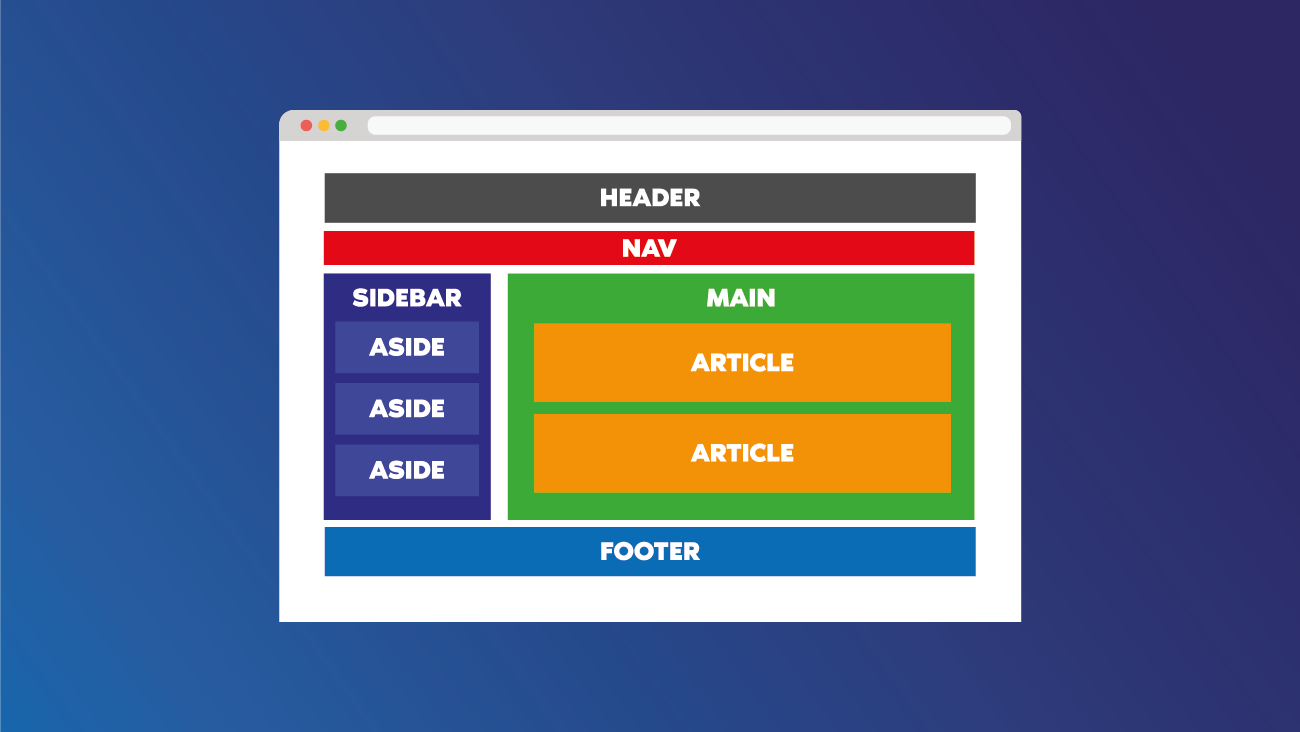
A Web Page Is Really Just Three Files Everyone getting into web development hears the same trio: HTM...
Devamını oku →